
Godot develops HarmonyOS game tutorials
Godot adapts to HarmonyOS/OpenHarmony progress, and Godot develops HarmonyOS game tutorials

Godot develops HarmonyOS game tutorials
overview
The Godot engine has completed the adaptation of the HarmonyOS system and supports HarmonyOS 5 and OpenHarmonry 5.
Tutorial: https://www.bilibili.com/video/BV1DH4dzfEiv/ (Chinese)
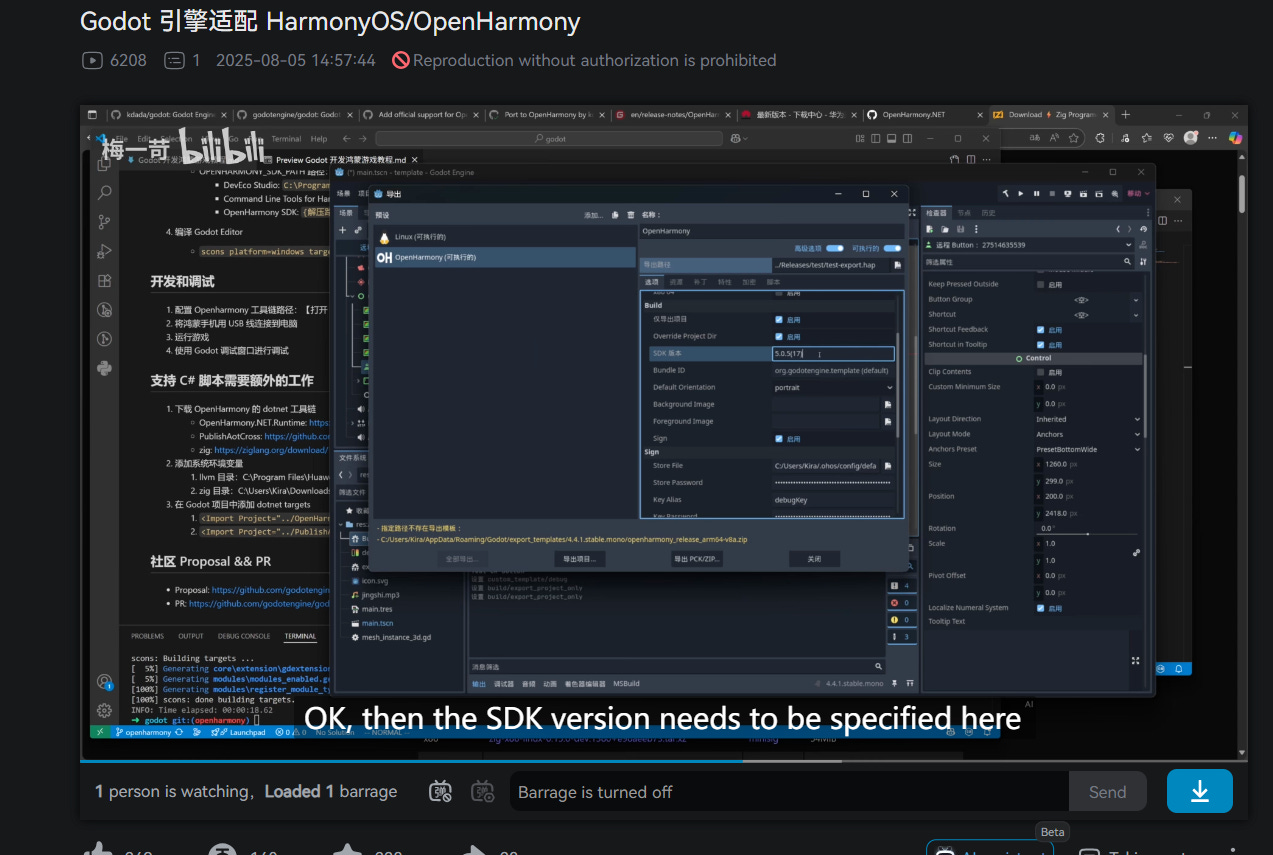
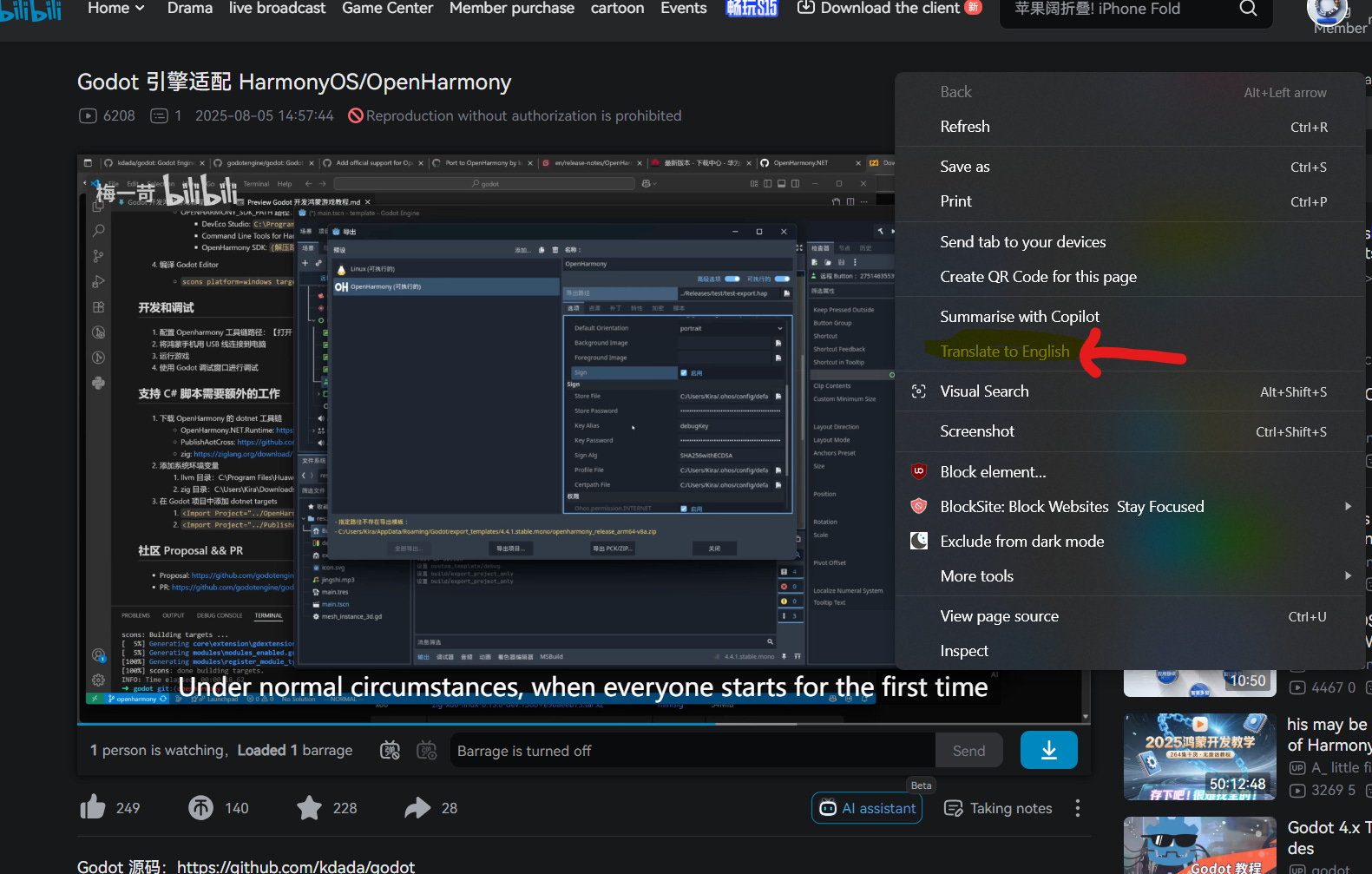
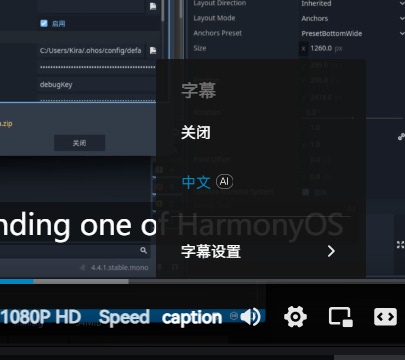
Right click to Translate the BiliBili page and Turn on the AI caption of the video
List of supported features:
Render
Vulkan
Input
Touch Event
Text Input
Mouse Event
Keyboard Event
Audio
Renderer
Capturer
DispayServer
Portrait Layout
Landscape Layout
Window Resize
IME Control
Clipboard
Scripts
GDScript
C# (Experimental)
Network
TCP/IP stack
HTTP
HTTPS (TLS)
Export
Export Project
Run
Debug
Prepared
contentillustrateDownload addressGodot source code (v4.4.1)1. Compile Godot Export Template
2. Compile the Godot Editorhttps://github.com/kdada/godot.gitDevEco
Studio/Command Line Tools for HarmonyOS1. Compile Godot Export Template
2. Compiling the App
3. Debug the apphttps://developer.huawei.com/consumer/cn/download/OpenHarmony SDK (optional)1. Compile the Godot export templatehttps://gitee.com/openharmony/docs/blob/master/en/release-notes/OpenHarmony-v5.1.0-release.md#acquiring-source-code-from-mirrors
Note: HarmonyOS’s compilation toolchain already includes the OpenHarmony SDK and does not require additional downloads.
Compilation process
Download the HarmonyOS Compilation Toolchain: https://developer.huawei.com/consumer/cn/download/
If you download DevEco Studio, you can install it directly
If you download Command Line Tools for HarmonyOS, you can extract it to any path
Download the Godot source code
git clone https://github.com/kdada/godot
Compile the Godot export template
scons platform=openharmony target=template_debug generate_bundle=yes module_mono_enabled=yes debug_symbols=yes OPENHARMONY_SDK_PATH=”C:\Users\Kira\Downloads\ohos-sdk-windows_linux-public\ohos-sdk\windows”OPENHARMONY_SDK_PATH Path:
DevEco Studio:
C:\Program Files\Huawei\DevEco Studio\sdk\default\openharmonyCommand Line Tools for HarmonyOS:
{解压路径}\command-line-tools\sdk\default\openharmonyOpenHarmony SDK:
{解压路径}\ohos-sdk\windows
Compile the Godot Editor
scons platform=windows target=editor module_mono_enabled=yes debug_symbols=yes
Development and debugging
Configure the Openharmony toolchain path: [Open Godot Editor]> [Editor Settings]> [Export]> [Openharmony]> [Openharmony Tool Path]
Connect your HarmonyOS phone to your computer with a USB cable
Run the game
Use the Godot debug window for debugging
Supporting C# scripts requires extra work
Download OpenHarmony’s dotnet toolchain
OpenHarmony.NET.Runtime: https://github.com/OpenHarmony-NET/OpenHarmony.NET.Runtime.git
PublishAotCross: https://github.com/OpenHarmony-NET/PublishAotCross.git
zig: https://ziglang.org/download/
Add a system environment variable to add the path to the environment variable’s PATH
llvm directory: C:\Program Files\Huawei\DevEco Studio\sdk\default\openharmony\native\llvm\bin
zig directory: C:\Users\Kira\Downloads\zig-x86_64-windows-0.15.0-dev.936+fc2c1883b
Add dotnet targets to your Godot project
<Import Project=”../OpenHarmony.NET.Runtime/runtime.targets” /><Import Project=”../PublishAotCross/package/OpenHarmony.NET.PublishAotCross.targets” />
Community Proposal && PR
Original link: Godot Development HarmonyOS Game Tutorial | Kira’s Blog